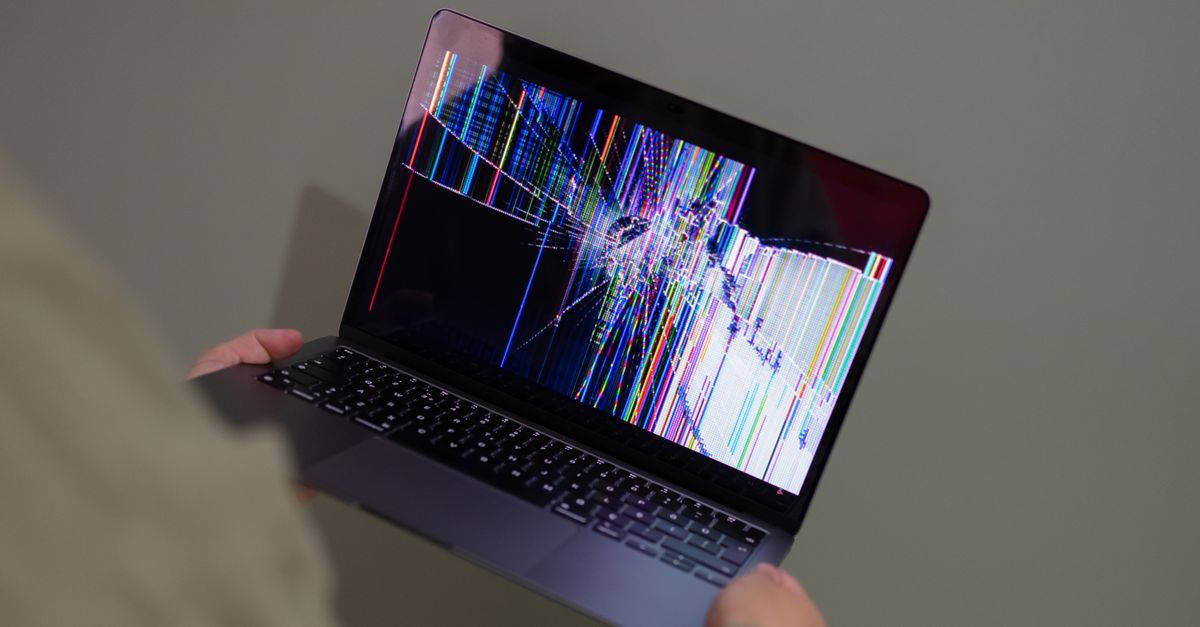
Tweaking Graphics Settings for Enhanced Gaming Experience
Table Of Contents
Shadow Quality Settings
Adjusting shadow quality settings can significantly impact both the visual fidelity and performance of your gaming experience. High-quality shadows create a more immersive environment, adding depth and realism to game visuals. However, these settings can be resource-intensive. Gamers with mid-range systems may notice a drop in frame rates when pushing shadow quality to the maximum. Balancing this setting is crucial; lower quality shadows can still maintain a pleasant aesthetic while freeing up valuable processing power for other aspects of the game.
Game developers often offer multiple levels of shadow quality, ranging from low to ultra. Players can experiment with these levels to find an optimal setting that meets their hardware capabilities and personal preferences. Some may prefer sharper, more defined shadows that enhance the overall atmosphere, while others may opt for softer shadows that reduce strain on the graphics card. Each choice carries its own trade-offs, so careful consideration can lead to a more enjoyable and fluid gaming experience.
Enhancing Realism without Sacrificing Performance
Finding the right balance between visually stunning graphics and smooth gameplay is crucial for an immersive experience. Shadow quality plays a significant role in enhancing realism, but high settings can lead to reduced frame rates. Lowering shadow resolution or using medium settings helps maintain performance while still providing a convincing depth to the environment.
It’s essential to consider dynamic shadows as well. Soft shadows offer a more natural look rather than harsh contrasts. Adjusting settings like shadow distance and the number of shadow-casting light sources can help fine-tune performance. Striking this balance ensures that players can enjoy both the beauty of intricate details and the fluidity of their gameplay.
Effects and Post-Processing Options
The visual fidelity of a game can be significantly influenced by effects and post-processing options. Players can often choose between varying levels of effects such as motion blur, depth of field, and ambient occlusion. These features not only enhance the overall graphical experience but also immerse the player further into the game's world. Selecting the right balance is essential, as some effects can be demanding on system resources, potentially leading to performance drops, especially in graphically intensive scenes.
Customisation plays a crucial role in tailoring the gaming experience to individual preferences. Some gamers prefer a more realistic aesthetic, opting for high-quality post-processing effects that add depth and lifelike qualities to their visuals. Others may prioritise frame rates and responsiveness, opting to lower certain effects in exchange for smoother gameplay. Adjusting these settings allows players to find a sweet spot that suits their style while ensuring the game remains enjoyable and visually appealing.
Customising Visual Effects for Your Preferences
Customising visual effects allows gamers to balance aesthetics and performance based on personal preference and hardware capability. Options such as bloom, depth of field, and motion blur contribute significantly to the overall look of a game. Adjusting these settings can enhance immersion without overwhelming system resources. Striking the right balance ensures a smoother gaming experience without a noticeable drop in frame rates.
Players may prefer a clean, crisp aesthetic, opting to reduce or disable certain effects that can distract from gameplay. Tweaking settings related to colour grading and ambient occlusion can lead to distinctive visual outcomes. Experimenting with these options enables gamers to find their ideal configuration while tailoring the visual environment to match their style. This personalisation makes every gaming session uniquely enjoyable.
V-Sync and G-Sync Technologies
Screen tearing can severely disrupt gameplay, detracting from the immersive experience that gamers often seek. V-Sync, or vertical sync, is a technology designed to eliminate this issue by synchronising the frame rate of the game with the refresh rate of the monitor. When activated, V-Sync ensures that frames are rendered in sync with the display’s refresh cycle, reducing the chances of tearing. However, this can sometimes lead to input lag or decreased frame rates, particularly in more demanding gaming scenarios.
G-Sync offers an alternative solution, developed by NVIDIA, that synchronises the display with the graphics card output. This dynamic refresh rate technology results in smoother gameplay without the drawbacks commonly associated with V-Sync. G-Sync actively adjusts the monitor's refresh rate to match the game's frame rate, leading to a more fluid and responsive gaming experience. While G-Sync requires compatible hardware, it effectively mitigates tearing and stuttering, providing an optimal environment for competitive gaming.
Preventing Screen Tearing in Gameplay
Screen tearing can disrupt the immersive experience of gaming, manifesting as visible splits in the image during fast-paced action. This issue typically arises when the frame rate generated by the graphics card and the refresh rate of the monitor are out of sync. Gamers often notice tearing particularly during high-speed movement or transitions, causing distraction and frustration.
Utilising technologies such as V-Sync and G-Sync can effectively mitigate these visual artefacts. V-Sync synchronises the frame rate of the game to the refresh rate of the monitor, reducing the chances of tearing but sometimes leading to input lag. On the other hand, G-Sync dynamically adjusts the monitor’s refresh rate to match the frame rate output of the graphics card, offering a smoother experience without the drawbacks of traditional V-Sync. Adjusting these settings can lead to a more fluid and enjoyable gaming experience, aligning visual output with user expectations.
FAQS
What is the importance of adjusting shadow quality settings in games?
Adjusting shadow quality settings can significantly enhance the realism of a game without overly taxing your system's performance. Higher-quality shadows can make environments feel more immersive, while lower settings can improve frame rates.
How can I find the right balance between visual effects and performance?
The best way to find the right balance is to experiment with different settings in your game. Start with medium settings for effects and gradually adjust them according to your preferences and the performance of your system, ensuring a smooth gaming experience.
What are V-Sync and G-Sync, and how do they enhance gameplay?
V-Sync and G-Sync are technologies designed to reduce screen tearing, ensuring that the frames displayed on your monitor are synchronised with the graphics card's output. V-Sync is a software solution, while G-Sync is a hardware solution that provides a smoother experience, especially during fast-paced gaming.
Should I enable V-Sync or G-Sync if I have a high refresh rate monitor?
If you have a high refresh rate monitor, enabling G-Sync is often recommended as it allows for adaptive refresh rates, providing a smoother experience without the input lag that can come with V-Sync. However, V-Sync can still be used if you prefer that option.
Can customising post-processing effects impact my gaming performance?
Yes, customising post-processing effects can impact performance. While higher settings can enhance visuals, they may also lead to lower frame rates. Adjusting these settings based on your system capabilities and personal preferences can help you achieve the best gaming experience.
Related Links
Enhancing Internet Speed Through Network OptimisationUsing SSDs to Boost System Responsiveness
Understanding the Impact of Background Applications on Performance
Streamlining Startup Programs for Faster Performance
Evaluating Your Current Hardware for Optimal Performance
Importance of Disk Cleanup for Improved System Performance
Best Practices for Optimising RAM Usage in Daily Tasks
Strategies for Reducing Boot Time on Windows Devices
Enhancing Computer Speed Through Efficient Resource Management